How to intergrate kyroCMS in Your Website
··
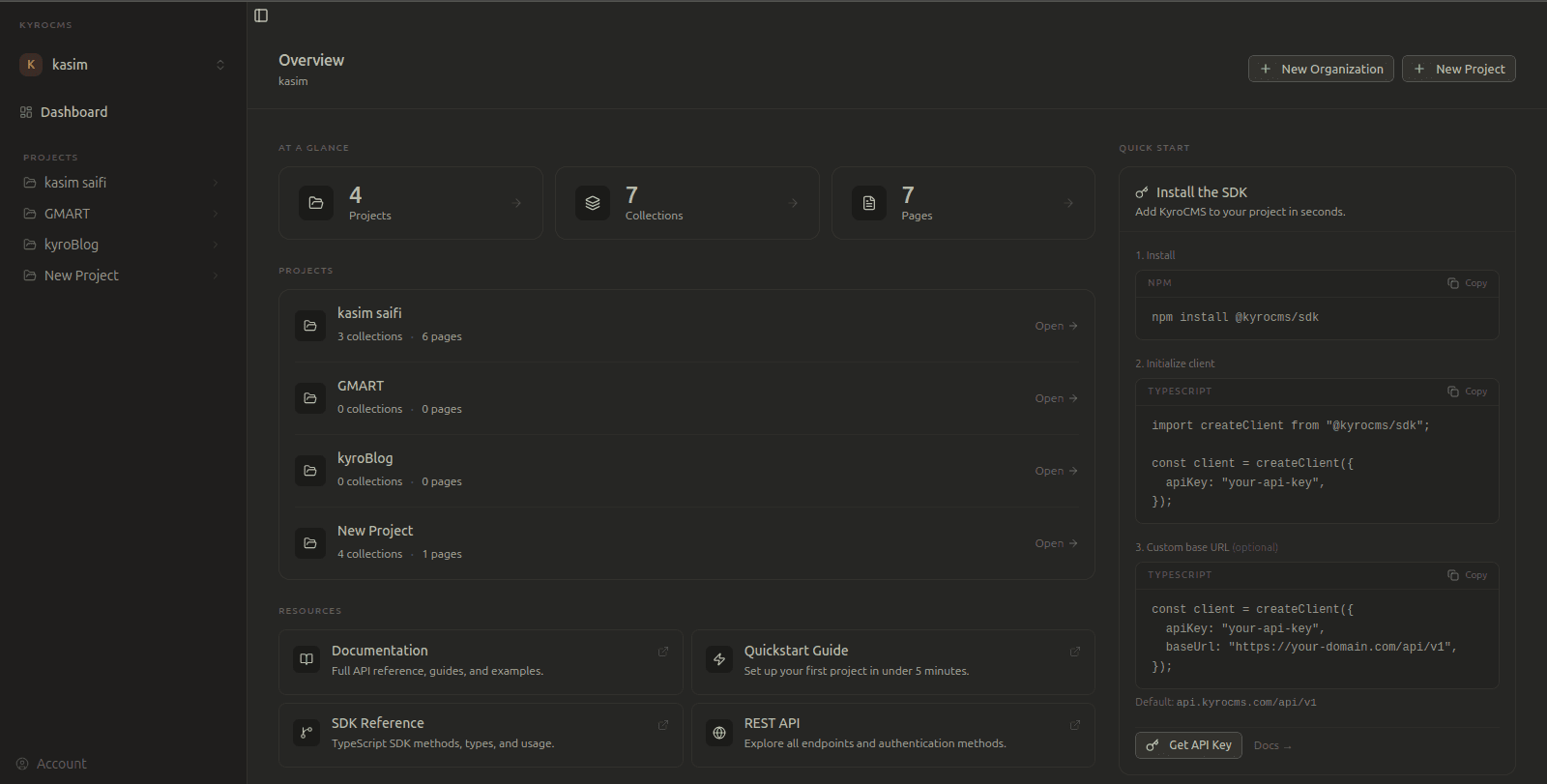
The official JavaScript/TypeScript SDK for KyroCMS — a simple, typed client for interacting with the KyroCMS API.
Installation
npm install @kyrocms/sdk
# or
yarn add @kyrocms/sdk
# or
pnpm add @kyrocms/sdk
# or
bun add @kyrocms/sdk
Quick Start
import createClient from "@kyrocms/sdk";

const client = createClient({
  apiKey: "your-api-key",
});
By default, the client points to https://api.kyrocms.com/api/v1. You can override this with a custom baseUrl.
const client = createClient({
  apiKey: "your-api-key",
  baseUrl: "https://your-custom-domain.com/api/v1",
});
Resources
Pages
// List all public pages (default pagination: page=1, take=10)
const pages = await client.pages().list();

// List pages with custom pagination
const pages = await client.pages().list({ page: 2, take: 20 });

// Get a single page by slug
const page = await client.pages().get("home");
Collections
// List all public collections
const collections = await client.collections().list();

// Get a single collection by slug
const collection = await client.collections().get("blog");
Entries
// List all entries in a collection (default pagination: page=1, take=10)
const entries = await client.entries().list("blog");

// List entries with custom pagination
const entries = await client.entries().list("blog", { page: 2, take: 20 });

// Get a single entry by collection slug and entry slug
const entry = await client.entries().get("blog", "my-first-post");
Pagination
All list() methods support optional pagination parameters:
Parameter | Type | Default | Description |
|---|---|---|---|
|
|
| The page number to retrieve |
|
|
| Number of items per page (max: 100) |
Pagination Response
All paginated responses include a pagination object with the following metadata:
{
  success: true,
  message: "Entries found",
  data: [...],
  pagination: {
    currentPage: 2,        // Current page number
    totalPages: 5,         // Total number of pages
    totalItems: 47,        // Total number of items
    itemsPerPage: 10,      // Items per page
    hasNextPage: true,     // Whether there's a next page
    hasPrevPage: true      // Whether there's a previous page
  }
}
Pagination Example
// Fetch first page with 20 items per page
const firstPage = await client.entries().list("blog", { page: 1, take: 20 });

// Check if there's a next page
if (firstPage.pagination.hasNextPage) {
  // Fetch the next page
  const nextPage = await client.entries().list("blog", {
    page: firstPage.pagination.currentPage + 1,
    take: firstPage.pagination.itemsPerPage,
  });
}

// Loop through all pages
let page = 1;
let hasMore = true;
const allEntries = [];

while (hasMore) {
  const response = await client.entries().list("blog", { page, take: 50 });
  allEntries.push(...response.data);

  hasMore = response.pagination.hasNextPage;
  page++;
}